These samples aim to provide light demonstrations to learn how to very easy use the features of the
framework.
They don't aim to provide very complex applications that are difficult to understand.
All these samples, and more, are downloadable in the GitHub page
ADVANCED
2D Planner
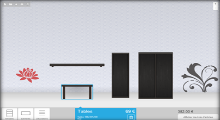
An example of a full 2D planner, developed in only 1 month!
Pixelator

Detach all pixels of an image :)
Particle Fountain

Simulate a fountain with particles, and apply force on the system !
Particle Fire Simulation
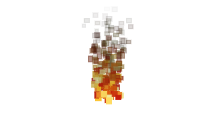
Simulate a fire (a "toony" fire ;))
Particle images

You also can use images as particles.
Traverser
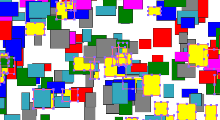
A "traverser" traverse the graph and list nodes that check a specific condition.
Display Ratio

Allow responsive display in your game or application ! :)
Collision detection
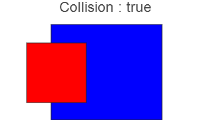
Collision detection :)
Game: Catch'em All
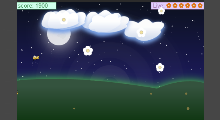
A (almost) complete game !
Avoid the bees and catch all the flowers :)
(Game developed in 1.5 day)
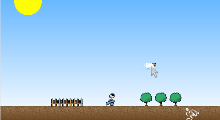
A start for a game platform.
It's the base application for the article in the SDJ magazine (September 2013).
Download the sources
Game Template

Template used for our games.
COMING SOON...
Native Extensions
cgSceneGraph is very extensible, you can easily create your own node with their specific rendering loop.
However, the framework already provides several useful Nodes.
Here are some basic examples showing how to easily integrate them into your programs.
Text
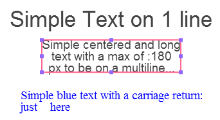
Text manipulation and attribute sample.
Square
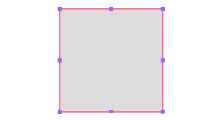
Simple Square.
Circle
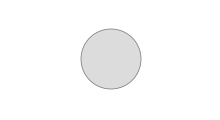
Simple Circle.
Ellipse
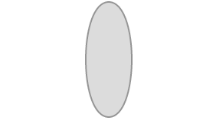
Simple Ellipse.
Image simple

A simple image.
Image Tiles
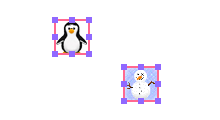
Several nodes sharing the same image source.
Animated Sprite simple
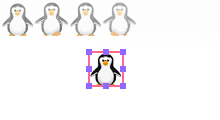
A simple animated sprite.
Animated Sprite: multiple
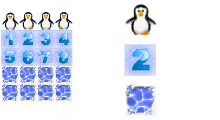
Multiple CGSGNodeSprite sharing the same image source.
Animated Sprite: player
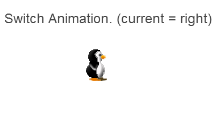
A character sample : different animations in the same CGSGNodeSprite.
Web View (still beta)
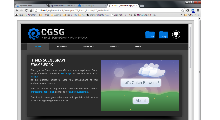
Embed a webview into your application !
Buttons
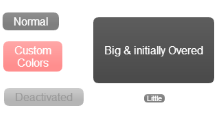
Customizable buttons !
ColorPicker
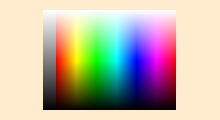
A computed color picker (without image!).
So you'll always get a perfect rendering, whatever the dimension is :)
Tab Menu
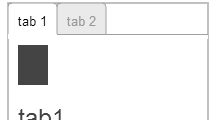
A Tab menu !
EVENTS
There are a lot of events provided by the framework for nodes, scene, animation, animated sprites, ...
This section presents some of these.
Mouse & Touch
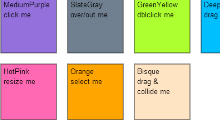
All node events in one sample.
Mouse Over
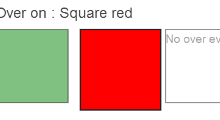
Just a simple example launching animation when mouse over.
Stress Test
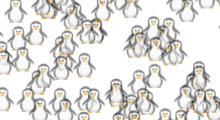
A stress test on mouse over.
(without any optimization in the demo :)).
ANIMATION
Animate a node is very easy. Almost everything is animatable : position, transparency, scale, ...
cgSceneGraph provides a complete animation framework, with timelines and key frame.
Animations can be chained or launched in the same time ; keys in timeline can be modified at runtime ; animation
can be pre-computed
and shared between several nodes ; Events are fired (onAnimationStart, onAnimationEnd)
; ...
The following examples are very simple (the most simple as I could) just to show the simplicity and the power of
the code.
So they are not visually sexy... :(
S R T

A simple animated translation + example of animation events (start and end).
Open the console to view the
event results.
Collision
Test collision during animation.
Chained animations

Chained animations on a node.
Precompute & Share

Precompute an animation and share it between several nodes.
The advantages : faster because animation is precomputed (can be useful for complex animations) and the
computation is achieve just once.
Circles

Precompute an animation and share it between several nodes.
The advantages : faster because animation is precomputed (can be useful for complex animations) and the
computation is achieve just once.


